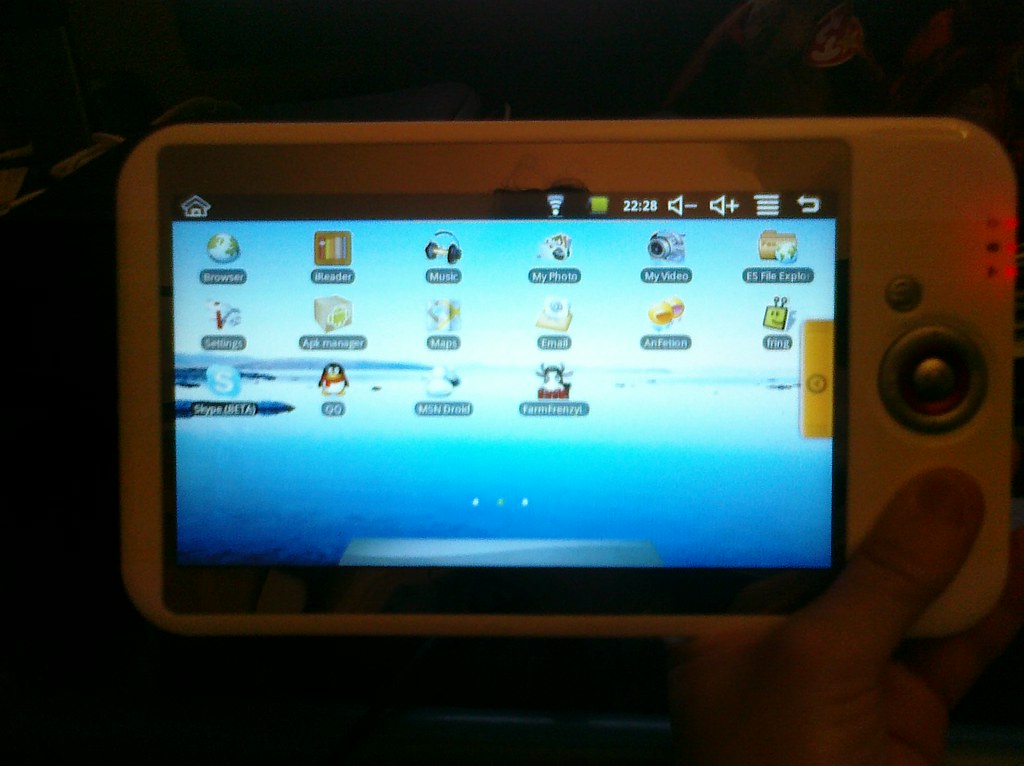
As we were leaving for C2E2 a few weeks back, Chris accidentally cracked the touchscreen part of his 7 inch tablet, rendering it unusable. So when we got home I did some research online and saw that you could purchase replacement screens.

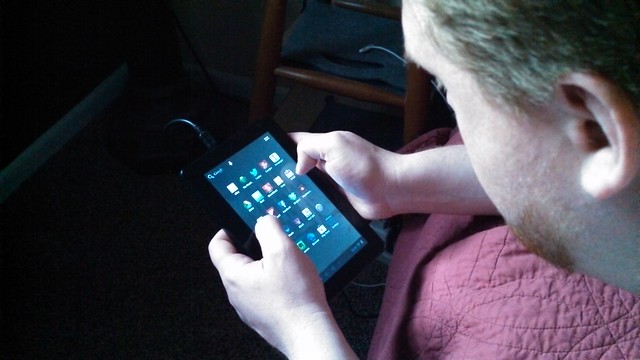
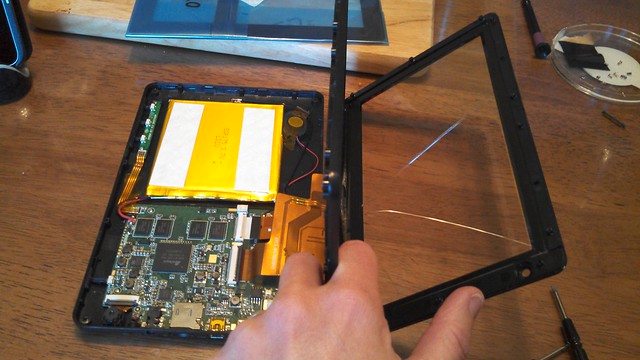
Fast forward to a few weeks later and the screen has finally arrived. So Chris and I spent a little while this evening dismantling the tablet and replacing the screen. Even though I have smaller fingers, I'm less steady with small parts, so it's great that Chris has an easier time snapping things in, like the horribly obnoxious plastic piece that snaps the ribbon cable down.

Aside from that small piece of plastic, the replacement was pretty simple. Since it's just a screen that rests on top of the LCD, it's pretty easy to remove and replace.
Soon Chris was back up and running on his little Onda v701.

Technology has really moved forward over the years. The first 7 inch android tablet I used was slow, had a resistive screen that worked best with a stylus, and only ran Doughnut (Android 1.6). It was sluggish and couldn't do much, but I was able to read some comics and books on the device. Mostly it was just awesome to have something large with a touchscreen.

The second 7 inch tablet was better and I did use it much longer. The screen was still resistive and the OS was still sluggish, only running Eclair (Android 2.1), but I used it for quite awhile since it was so much better than the first tablet.

Both of those tablets were cheap imports. They didn't cost much and they had little support if something went wrong. Fun to experiment with because they didn't cost an arm and a leg, but difficult to fix if a problem arose.

A few years pass and enter the Google Nexus 7. It's a 7 inch tablet with a capacitive screen, which means no more poking with a stylus. Plus since it's officially from Google, the latest Android OS is available. That means the device is running a newer version of software than my cell phone.

There was a really good combination of coupons that made the nexus reasonably priced, so we picked one up today. After coming one with that was initially broken and had to be returned, I was able to finally settle in and play around with the device. So far it's been fun to poke around with. Plus since I have an Android phone, the Nexus did a nice job pulling applications I already use on my phone onto the tablet.

I really do like the smaller form factor. 7 inches seems perfect to me. Plus being smaller means the device feels more portable, at least to me. That means taking it around and watching movies on lunch or using it if I ever get stuck downtown for some reason, which happens occasionally.

Plus it has NFC so I look forward to getting some additional cards programmed to do cool things with around the house.

Chris ordered a v701 Onda tablet. It's a cute little 7" tablet and much with a much better response than the Coby or the older Eken M100.

Of course it certainly helps that the screen is capacitive as opposed to resistive (which both of the previous android tablets we bought were).

Anyway, Chris has a nice write-up on his blog about it.


So while my parents were in Grand Rapids yesterday a package was delivered. Delivered early, in fact. And in the box was an iPad they'd ordered for their upcoming annivarsary.

And what do you do with an iOS device when you first get it? Try out all the pre-installed apps, like FaceTime.

I'm excited to hear how things change and adapt in their household over the next few weeks and months as a result of the tablet in lieu of a new laptop.

Hi mom and dad! Welcome to the wonderful world of tablets.


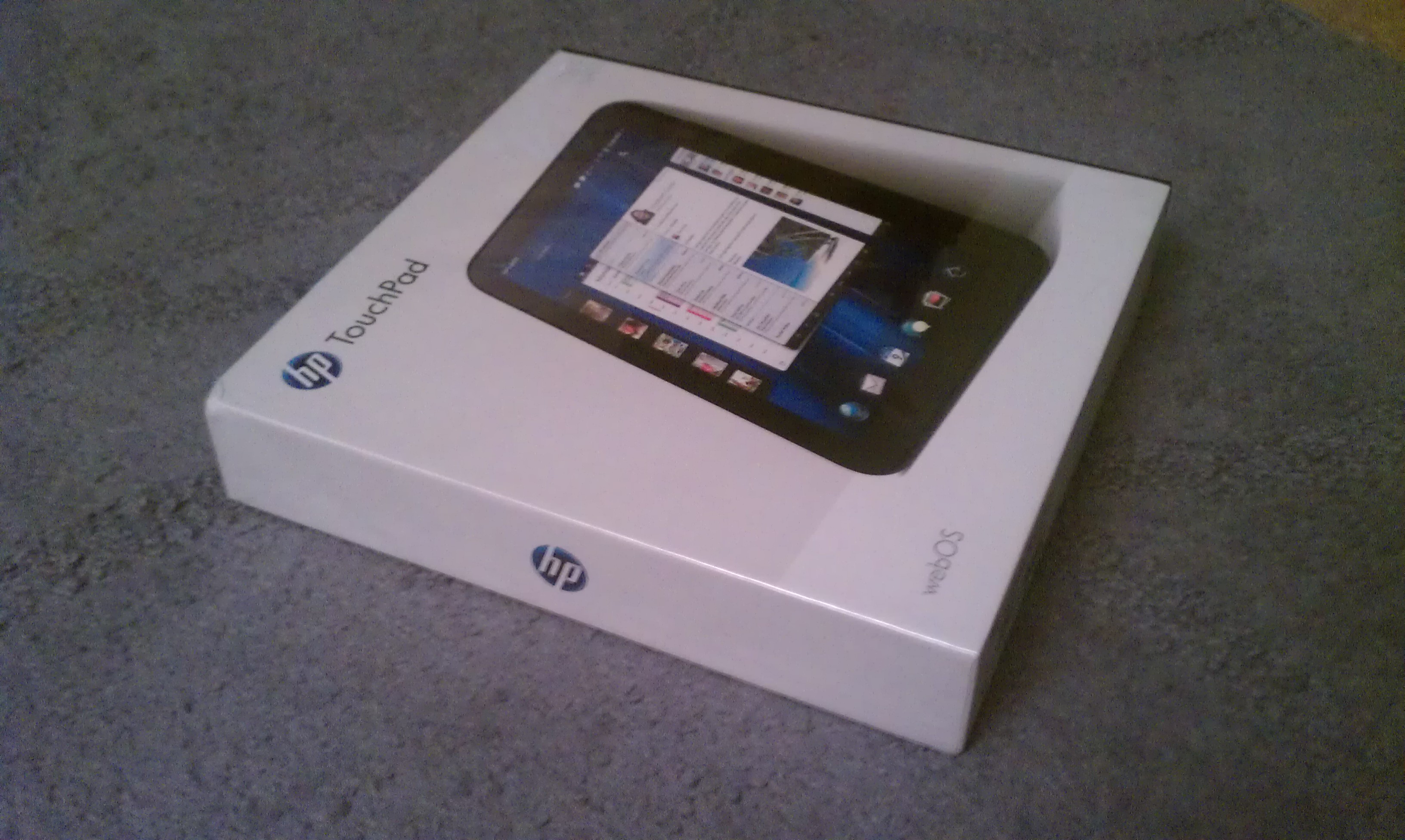
There's a lot out on the net lately about taking the cheap HP touchpad and putting Android on it.

No. Don't. Yes, I understand people think since Android has more apps that its superior. No. It's not.

The best that can be hoped for is Froyo or Gingerbread to be ported. Honeycomb code hasn't been released-and that's the "tablet OS".

Ive used Android tablets. They're clunky, sort of like Android phones, but more annoying because the resolution is low and everything is huge. Yes, LCD density changer can fix that. But really, webOS on the Touchpad is designed for the table, multitasks well, and handles the basic functions most people use their tablets for - information consumption. News, social networking, etc.

I own an iPad-it was a gift. Lovely device (though the lack of an accessible file system is maddening). Yes, there is a difference between the Touchpad and the iPad. They also don't cost the same. Apples to oranges at this point.

For $99 and $149, The Touchpad is a steal and makes hacking a nook color to get a cheap tablet not worth it (unless you're doing it just because you can-which is awesome).


HP bought Palm last year. Chris and I were hopeful that didn't mean the end of the webOS platform. Both of us really liked our palm pre phones.

Of course, Chris's phone died and there were no webOS phones in sight so we both upgraded to Android phones. They're nice - but both Android and iOS have horrible notification systems in comparison to webOS.

Anyway, HP decided it was getting out of the webOS business. That means fire sale. The previously priced 399 and 499 HP Touchpad (which had only weeks before been 499 and 599) went down to 99 for the 16GB model and 149 for the 32GB model. Seriously - that's a steal. This thing may not have a Netflix app, but it does flash (unlike some other popular tablet I know) so that means you can watch Hulu. It has a Kindle app, Skype, RSS reader, etc. It has most of your staple tablet consumption applications. Plus, it comes with 50GB of storage on Box.net. Seriously. 50GB.
So all of this meant Chris woke up relatively early today and headed out at 6am to try to snag one. He came back a bit later with one on hold (until an employee's manager could confirm that the large price drop was, indeed, accurate) and some Marge's Doughnut Den Doughnuts. I ate 3 (they're so tasty!).
A little bit later, voila - in hand was a 32GB tablet. They were all out of the 16GB, which was our preference. Chris did some setup on it and gave it a home on top of the microwave. We now have what I've been wishing for - a tablet for the kitchen to pull up recipes (previously I've been printing them out, using my laptop, palm pre, ipod touch and so on).
I slapped Preware on it, which is the webOS homebrew catalog and away we went. I even put a nice twitter app on the device so Chris could monitor the Harvey Awards in real time to see how Adam and Comfort did.

They didn't win, but they were nominated. And seriously, that's a big deal. It's like the Oscars for comic books. They got to hang out in a room with Stan Lee and other huge comic names and have their work announced on stage. Super huge. Super awesome. I hope they're having a fantastic time at the Baltimore Comic Con.
Complete with virtual joystick! Pac-Man, courtesy of the Amazon android app store and running on my Coby Kyros 7015 tablet.

We arrived back from Chicago yesterday evening and almost immediately went to bed. Getting up this morning was hard - mostly because we both woke up before 7am. Good thing we both had the day off.

I laid around a big chunk of the morning (and evening) reading comics. I read a few comics (X-Men only, really) as a kid but mostly spent my time playing video games and reading books. There's a lot of good stuff out there, I just didn't know about it. Thanks to Chris I do. Fables is an awesome series he introduced me to last year. Completely up my alley. So I decided to play with the ComiXology app a bit on the android tablet and see what free samples and first issues were available. So far I've been reading Y The Last Man.
In the afternoon we took a stroll down Kent Trails. The water is high and flowing fast. Murky looking and probably chilly as well. Still, it's great the weather is getting warmer. That means green is going to start popping up everywhere soon.

Chris has a pretty nice wrap-up post of the weekend (including con and aquarium photos) with a nice quick video I embedded below.

I spent the evening tweaking a second android tablet. Yes. A second. Why? Because I have a problem.

Impressed with Chris's tablet, I ordered a Coby Kyros 7015 myself and it arrived last night. The first thing I did was root, backup, and put the marketplace on it. That was an easy enough.
Next was the debate between loading Froyo via CyaynogenMod (the tablet ships with Eclair, 2.1) or a custom rom. After reading the discussions back and forth on the forums, I opted to load the custom rom instead of Froyo. I'd like Froyo, but since the headphone jack doesn't work that's kind of a problem (since I want to stream anime on this device).

I initially loaded Watery Rom 1.2b, but I ran into the problems several people seemed to be having with the device locking up randomly (despite clearing cache, etc with ClockworkMod). Finally I threw in the towel and loaded Watery 1.2a. A few things aren't supposed to work properly (gallery, music), but I have an ipod touch for music and I don't know that I care too much about a gallery on the tablet either. Plus I honestly haven't verified that these have issues, so who knows...
Once I loaded Watery Rom 1.2a onto the device all my problems seemed to go away. No more freezing. The only minor issue I have is the stock browser needs to be reinstalled on reboot. Since I'm using Skyfire instead of stock browser, it's not a big deal.

I did load FlashLite 9 on the device as well, but didn't have a chance to really test it out. Chris navigated to a few sites and was disappointed that it didn't default to flash. It sounds like you have to do some surfing and what not before flash seems to work properly. "whatismyflash" does correctly identify version 9 in the stock browser (I haven't had a chance to test skyfire yet, but I did confirm Opera doesn't appear to be running it).
So I still have a few things on my plate I'd like to get taken care of before stopping tinkering for a bit.
  • permanently kill voice search - I dont use this or want it but it loads when applications launch by default
  • overclock the device - it sounds like overclocking might address some speed issues and make this even snappier (mostly just waking issues)
  • Crunchyroll - youtube streams beautifully but the crunchyroll application is horrendeous. I'll have to see if its the app or a setting elsewhere on the tablet. 
Pros
  • snappier than 1.6 (cupcake) tablet. Not as fast as the iPod touch, but pretty good.
  • access to Android marketplace
  • Android has a good hacking/modifying community
  • 7" form factor makes it more portable (I prefer this over 10")
  • came with plenty of accessories (built in stylus, hard-cover case, two USB cords)
Cons
  • Eclair is a phone OS, so some things are optimized for a phone (default orientation is landscape, not portrait, there is a phone app) like Honeycomb would be
  • Resistive screen; it doesn't always register my finger so sometimes I need to use the sylus around the corners.
  • thicker/heavier than more recent tablets. The size isn't off-putting to me, but I think it would be to a lot of people.
And for your reference, here are the tablet specs can be found here.

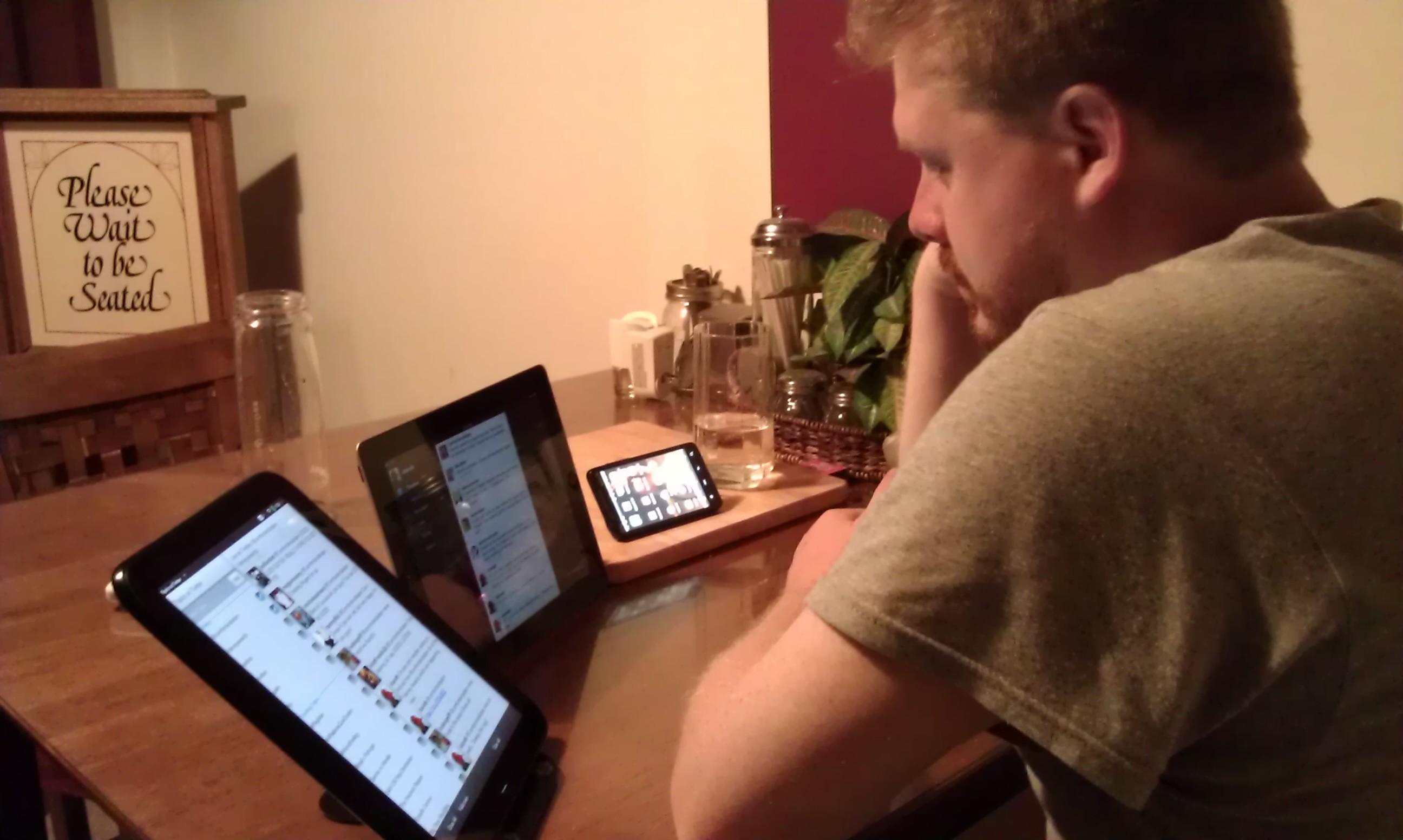
It was an early night for me. I came home and just didn't really feel like doing much besides reading. So I settled in on the bed to do some reading. Chris came over and read some RSS articles on this tablet (which has a pretty amazing battery life too, 4 to 5 hours easy which is leaps and bounds over his other tablet).
Even Leki came by after a bit. He usually has to have his people within sight, so no surprise he'd migrate from the hallway to the bed after a bit.

I fell asleep pretty early on.

This evening Chris's new Android tablet (the previous one falling prey to a cracked screen, rendering the touch ability on 1/2 half useless) arrived. 

We hung out on the couch together and set to rooting and loading the Android Marketplace on it. Thanks to Android forums on the internet, there are plenty of people who have gone before so there were a lot of resources. All in all it took about an hour, which was mostly just waiting on the Android SDK to download updates. 

But now the little tablet running 2.1 (Eclair) has the marketplace and hums along at a decent speed. Much faster than the previous tablet Chris had. They're both resistive screens, but since capacitive screens are a good $150-$200 more for similar specs, it hardly seems worth the price. It's not THAT much different for most things. 


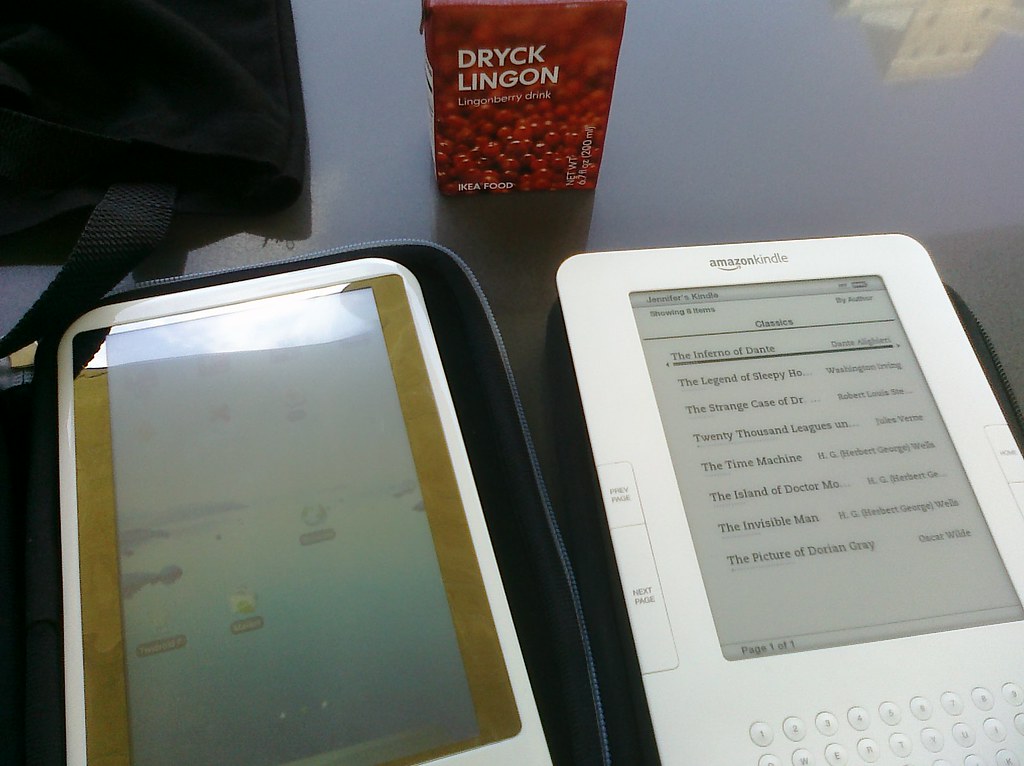
The semester is over and that means I can go back to reading more for leisure.  So on lunch I brought the Android tablet and the Kindle 2, not sure which would strike my fancy.

I opted for playing a bit on the Android tablet.  I'm having a really hard time caring what happens in 20,000 Leagues Under the Sea and rather than totally dump it I thought I'd play a bit with the settings and read a few comics on the tablet. I'd recently updated the firmware so some things needed to be set back.

I really do enjoy the tablet, but it's not really easy on the eyes out in the sunlight. It's very difficult to read since the screen gets washed out.  That, and the fact that it can only handle Android 1.6 (cupcake) means a few applications I'd like to use won't work on it.

Still, it's a cheap device and does a lot of great things. I'd love to use it or something like it as a primary kitchen recipe device.

Thursday after work Chris's friends Dan and Jeff came by for game night.  At our place the guys usually play HeroClix while enjoying an awesome nerdy movie. So for tonight we had Batman: Under the Red Hood and the classic TRON later.

Since I dont usually play HeroClix (ok, I've only played once with Chris) I took the time to update the firmware on my Eken M001 tablet.  The latest firmware lets you access the Android Market, which is awesome, though there are some known issues with downloading applications.

It was a good night and great to see Dan and Jeff again. Leki even kinda sort of behaved this time.

Today the second EKEN Android tablet arrived.  The first one was officially adopted by Chris pretty early on, so that meant I was free to do what I wanted with this second one.  The first thing I did? Installed a custom ROM.

The original tablet arrived with Android 1.6, firmware version 1.7.1.  I snagged a copy of ECOTOX's custom ROM and upgrade to firmware 1.7.2.  It doesn't seem like much, but is an improvement.
It came with the youtube player already installed, and a ton of extra crap the original Chinese version had removed.  I have more internal storage now, should I choose to put files on that as opposed to the SD card I'm using now.

Overall, I'm just happy to have it to play with and test.  Chris has his official comic viewer and I now have the luxury of taking subbed animes and watching them where ever (this plays them very well once converted to mp4) and to flash ever few weeks or so.

It's not an iPad, and it won't react like one. It has a resistive touch screen as opposed to capacitive, but that's ok. It doesn't have all the thousand of apps that apple offers.

It's running Android, which is open, and I can do what I want when I want to the device when I want AND it has access to applications that run on Android.  And there are a lot. This is in stark contrast to apple products in general, and the iPhone OS specifically.  So for me, and my uses - that is reading an ebook or comic book or watching an anime - this is sufficient.  It has wi-fi so I'm able to use a web browser, gmail, youtube, twitter and so on. 

And we have two, all for less than 1/2 the price of the wi-fi 16GB iPad.

If you're interested in a more in-depth review of the tablet, Chris has one here.

In the morning I baked some mini-cheesecakes to take to Kati & John's for their annual Memorial BBQ.

Then I spent a pretty large chunk of the day hanging out in the apartment, playing Lord of the Rings Online and waiting for the mail to arrive. 

It seemed like the wait took forever..and the mail didn't arrive until around 4pm. And then - the Android tablet (Eken M001) arrived, straight from China.  There's a decent mod community forums we've both been reading and it will be exciting to do some of the tweaks and modifications others are having success with.

Now I have to admit - Chris had originally pointed this thing out to me, and ordered it first.  And somehow mine shipped and made it to the states before his even left China.
He got to spend some time playing around with the tablet, loading applications and checking out comic readers that are available. Honestly, he has an easier time reading things it than I do - must be that whole vision impaired thing.

After that we rode our bikes down to Palmer Park and enjoyed some tasty Jimmy Johns. There were more ups and downs than riding straight along on Kent Trails, but that's ok.  The nice sub for dinner and just being out and about makes up for it.

All in all this has been a fantastic Saturday - packed full of all sorts of little awesomeness.